- Aima Syamimi Mohamed Rodzuan

- Nov 4, 2019
- 2 min read

Hi, Assalamualaikum wbt and Salam sejahtera...
Cikgu Aima come back to share in #iniblogcikguaima with you guys next application that I had used in order to implement 21st century environment in my classroom.
So, I had explored new tool to assess my students. Dr. Farhah had asked us to follow this
Facebook Pages: Educational Technology and Mobile Learning https://www.facebook.com/202077286473233/photos/827585703922385/

I had found Quizalize!
*but, no Kurikulum Standard Sekolah Menengah (KSSM) in the choices of Curriculum.
(-_-) maybe not been use yet by teacher or educator in Malaysia. Hopefully soon.

Let's knowing Quizalize better!
What is Quizalize?
is an online platform for classroom polling and assessing that can be accessed by computer, tablet, or mobile phone.
You can create quizzes to test students’ knowledge in the classroom, then see the results propagated in the Teacher Dashboard through data reports.

What the interesting features using Quizalize?
1. Kid-friendly and colorful interface that is easy to use and intuitive.
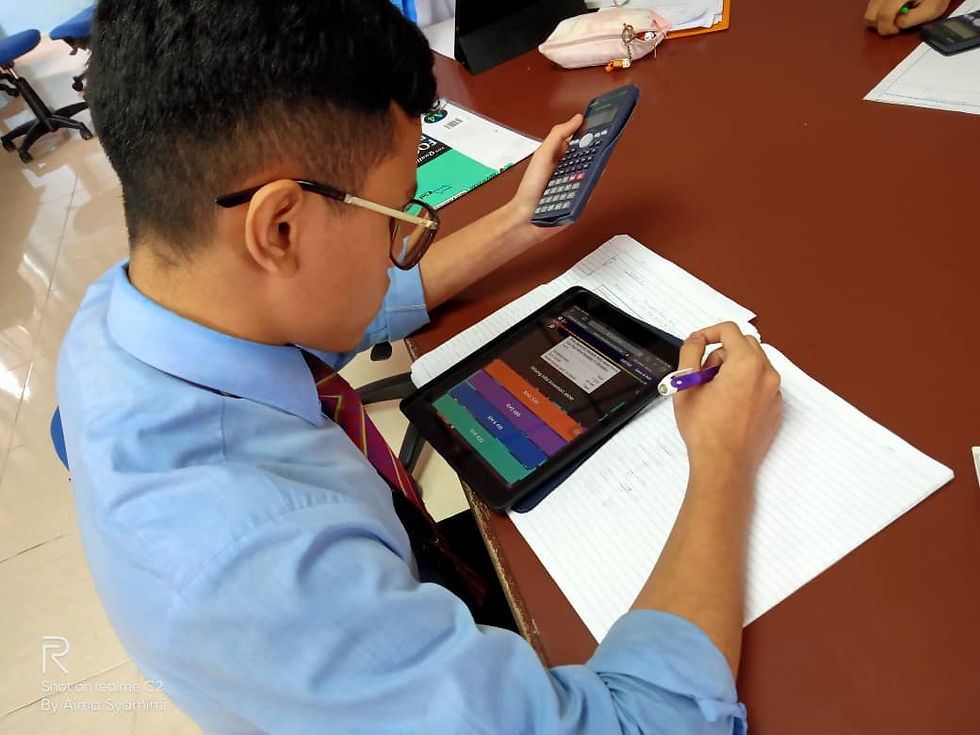
My students felt so happy, wonderful and excited to answer the quiz. They looked like more focus and interested to learn my "dry" subject that difficult to visualize.

2. Creating quizzes features, you can go beyond the typical question-and-answer options; they can also pick from different lengths of time for students to respond, add explanations, and categorize questions within a quiz under specific subtopics. It is also possible to add images and equations to the questions, making it easy to incorporate Quizalize in any classroom subject.
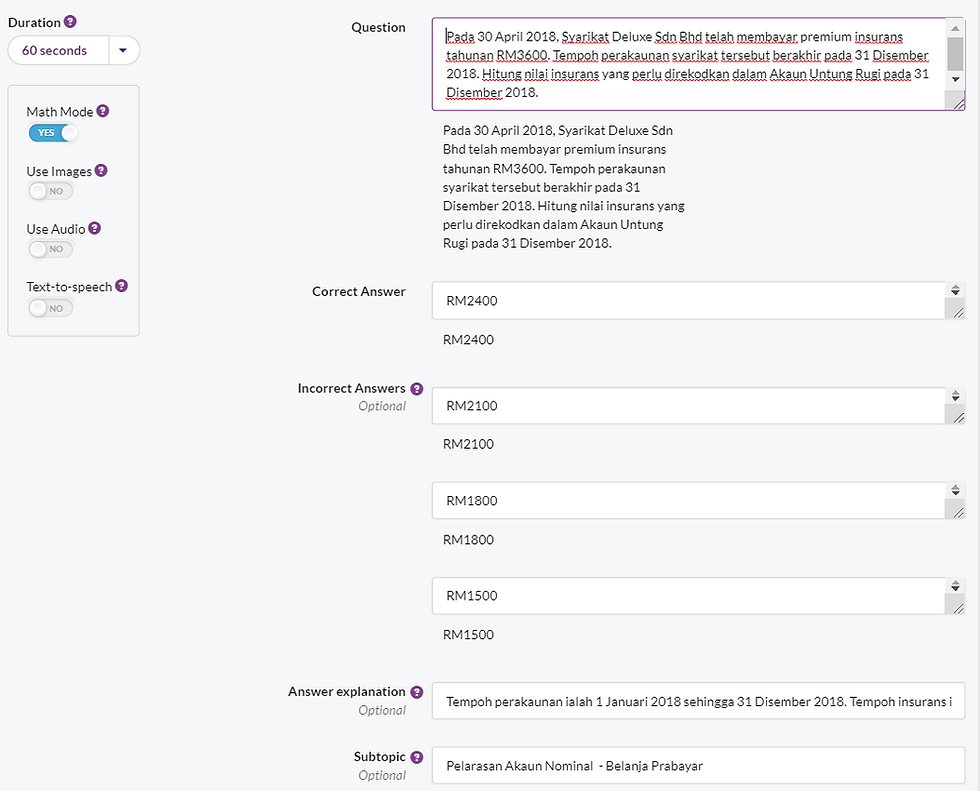
3. Just like Quizizz, Quizalize also help me assess my student easily!
More easy to find out which is the student need my help, which question he/she need help with colorful interface. You can compare Quizizz and Quizalize.


Here attached my experiences using Quizalize in my lesson.
Of course, there were impeded issues as to use technology in classroom. Actually, I brought them to IMac Computer Lab in our Library. But, the Internet connection during my lesson in weak status. Therefore, some of my students could not join by using computers. Luckily, they got IPad to join the activity.
Moreover, I tried to using Padlet in the computer lab, but cannot open it. This due to the not supported browser (Safari). Pop-up message request to use latest versions of Chrome or Firefox instead. Lack of technical supports for the IT staff and computer equipment in computer lab will jeopardize me as teacher to implementing 21st Century environment.
Gen Z, they love competitions among them. Thus, using technology will feed their needs.
One characters in transforming learning with 21st Century environments are from step-by-step learning following teacher directions to spiral and flexible learning based on combination of teacher directions and student interest - two ways communications in creative way.
Our KSSM focused on Inquiry Based Learning (Student Involvement, Exploration, Explanation, Elaboration and Assessment). Inquiry Based Learning means learning based on student centered that involved questioning and curiosity. This based learning is encouraging investigation, exploration and discovery to gather information plus deeper understanding.
Stay tune! Cikgu Aima will share more soon about Seesaw. Merely the same function like Padlet.
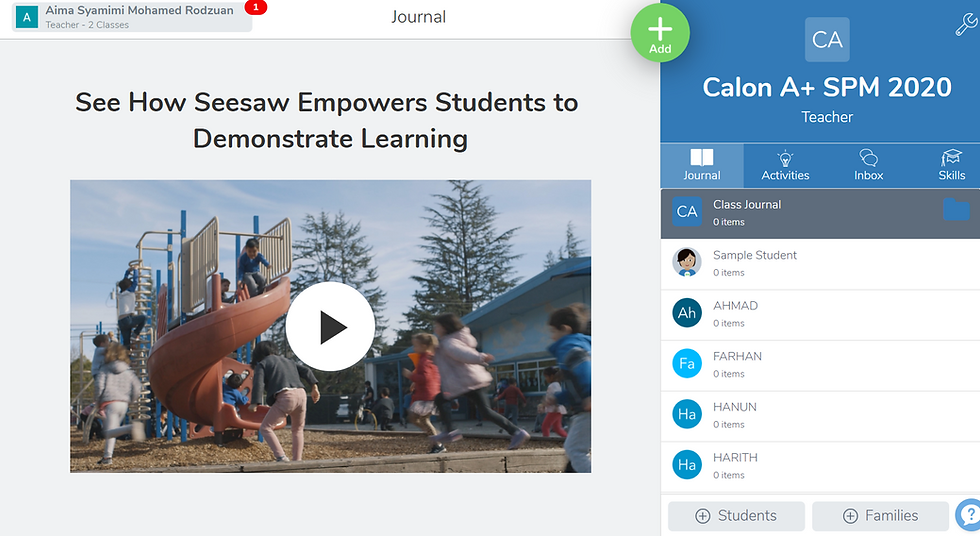
By the way, actually, many apps / tools provide by Google.
YES, final examination is around the corner.
XOXO,
Cikgu Aima
Digital native teacher
Image by Quizalize.